System Draw / Other Tools & Apps
Free tools
Other Tools & Apps
More free tools for installers and engineers. Like System Draw, each one is a single file that runs in your web browser, with nothing to install.
HTML-Notebook
A free notebook and wiki that lives in a single HTML file. Keep your job notes, IP lists, snag lists, commands and asset registers together, and take them anywhere the file goes.
Free. No install and no account. Works in Chrome, Edge, Firefox and Safari.
Example pages
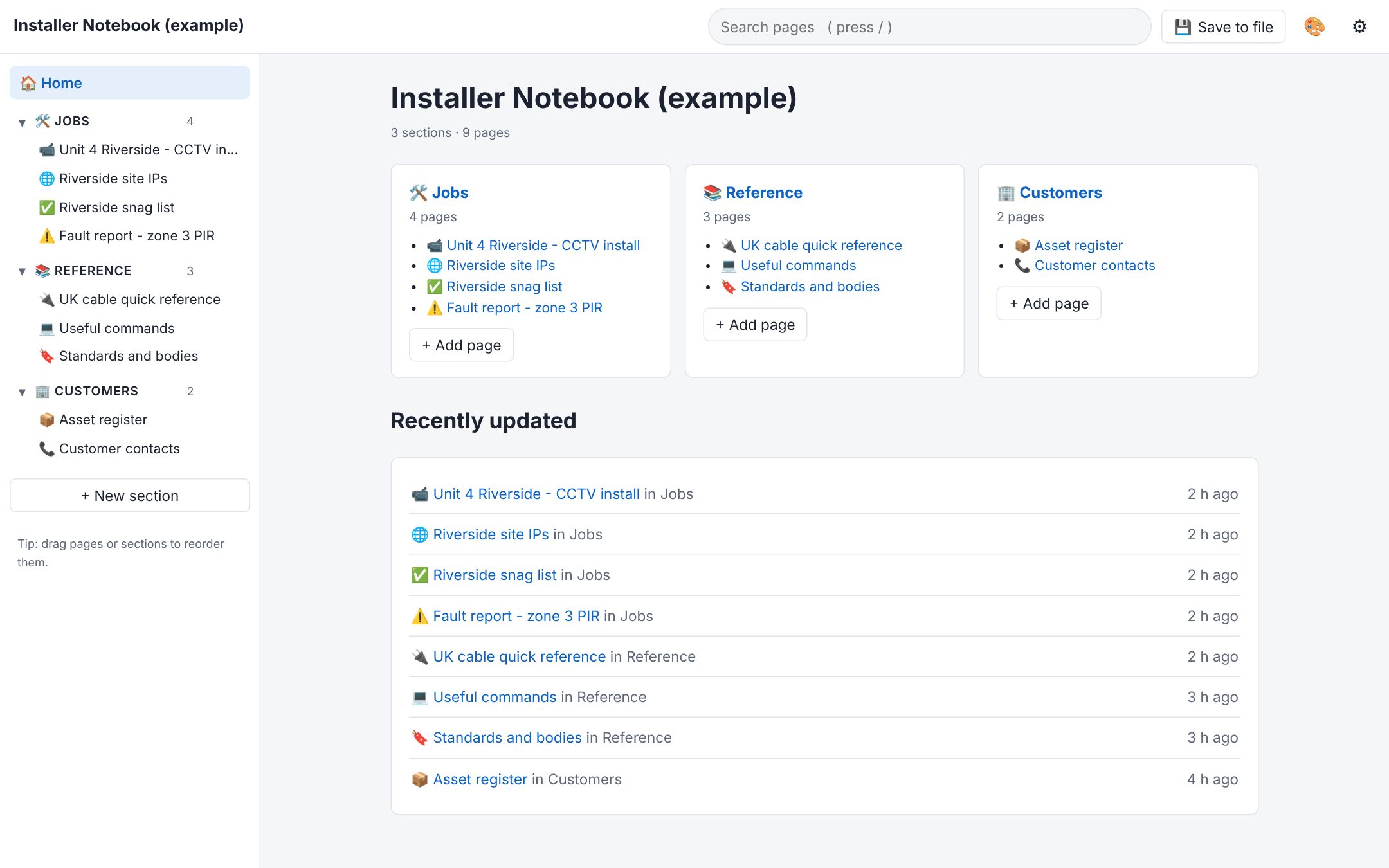
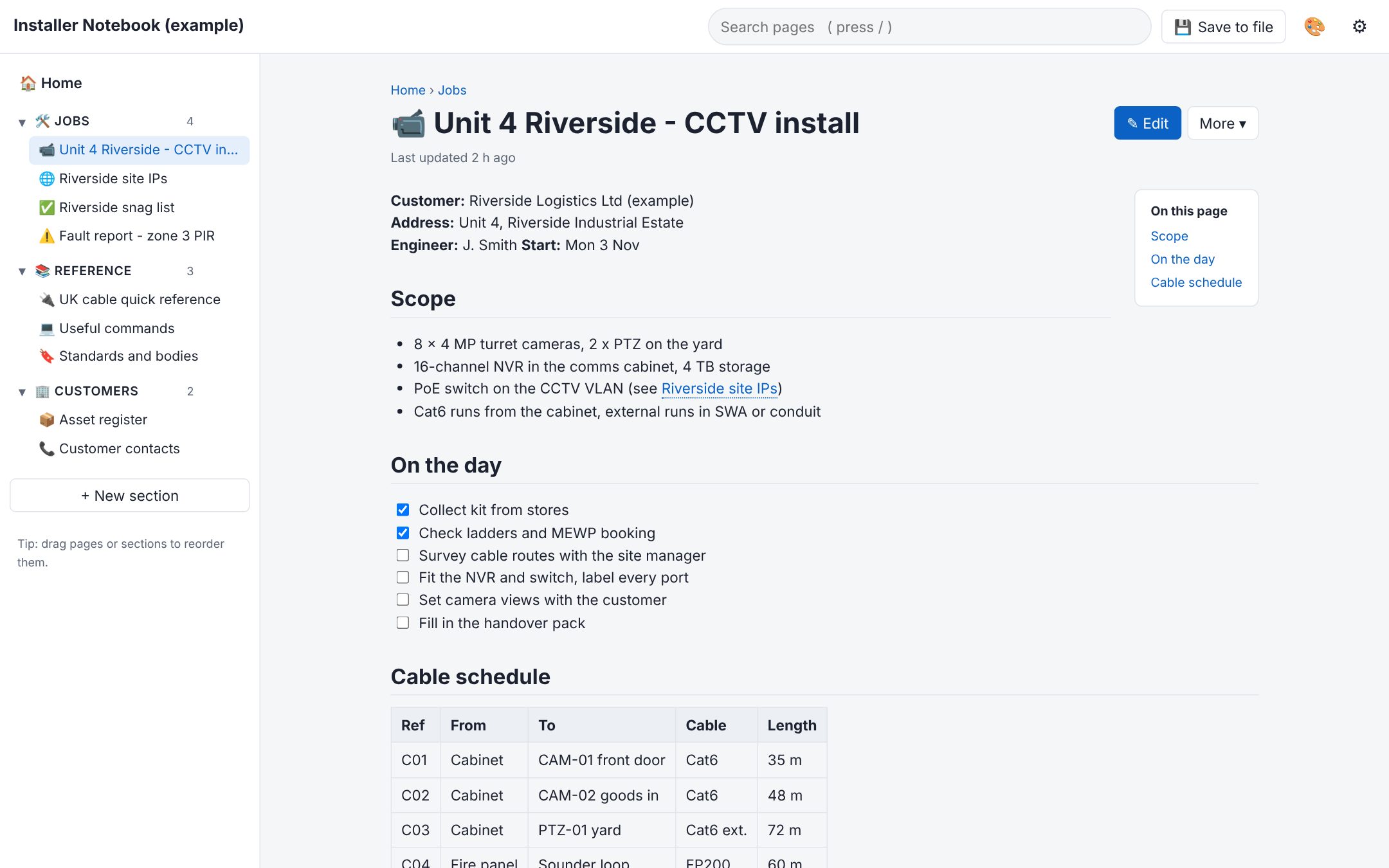
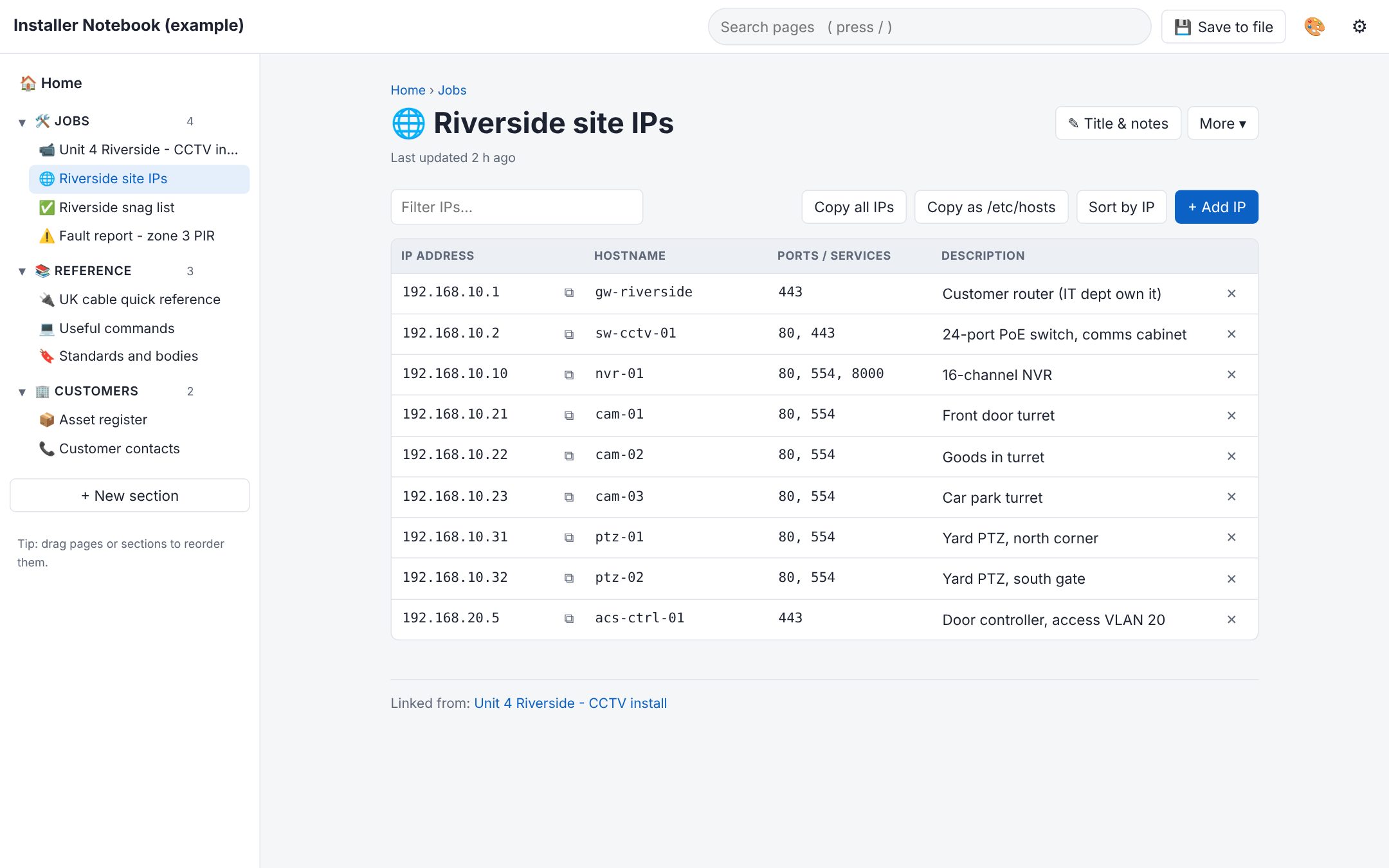
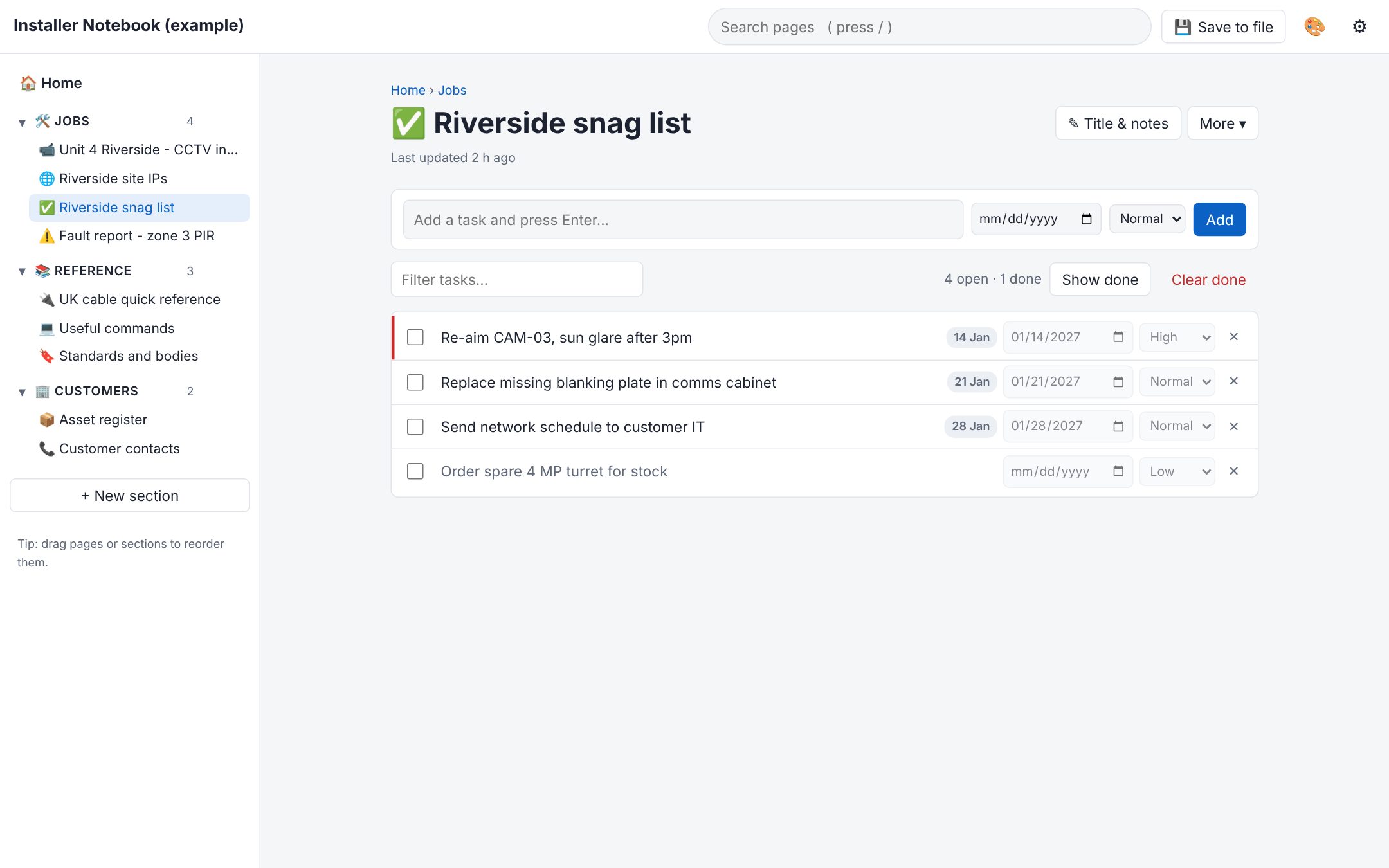
These pages are from the example notebook, an installer's notes for a made-up CCTV job. Open it in your browser to click around, or select a picture to see it full size.
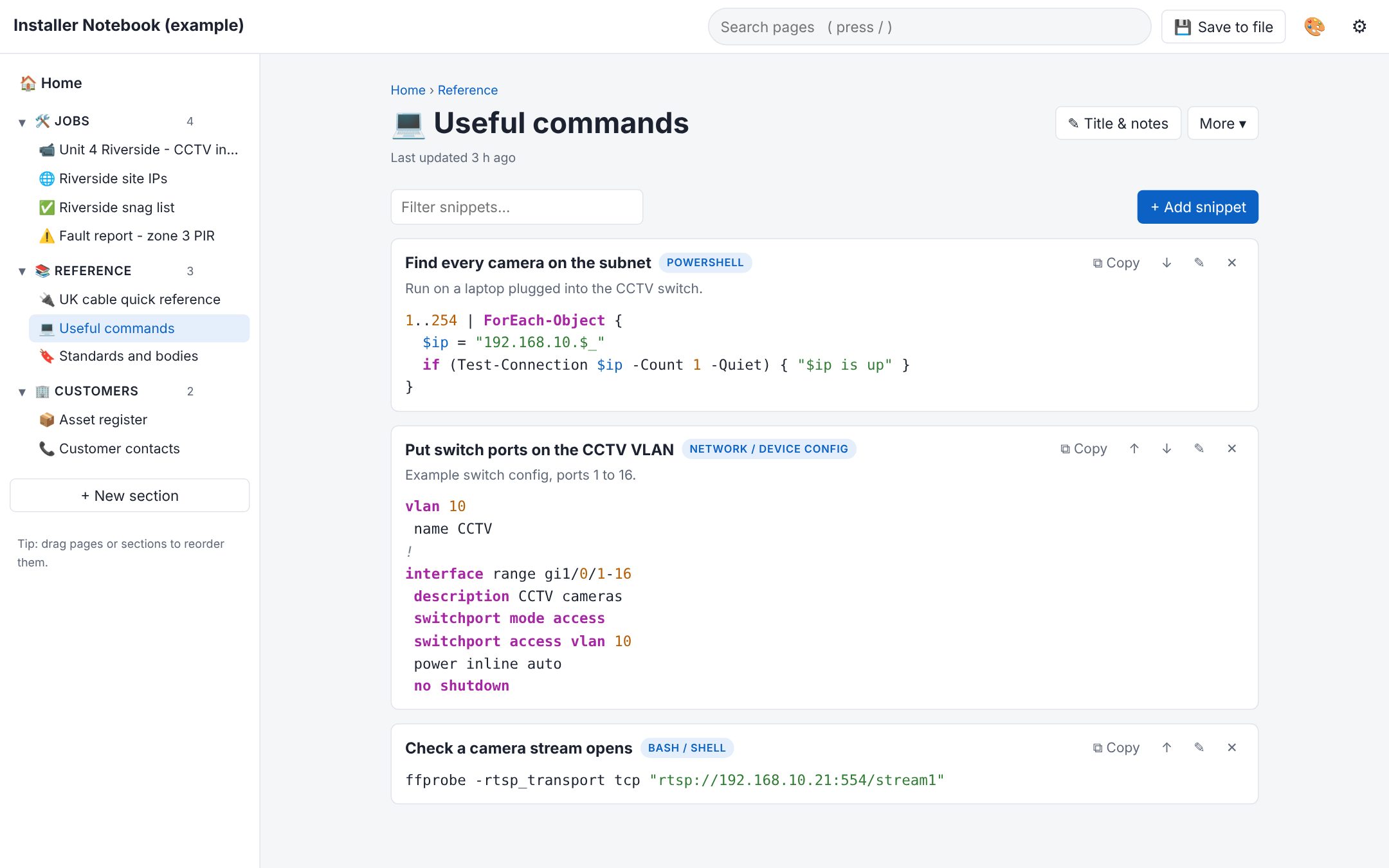
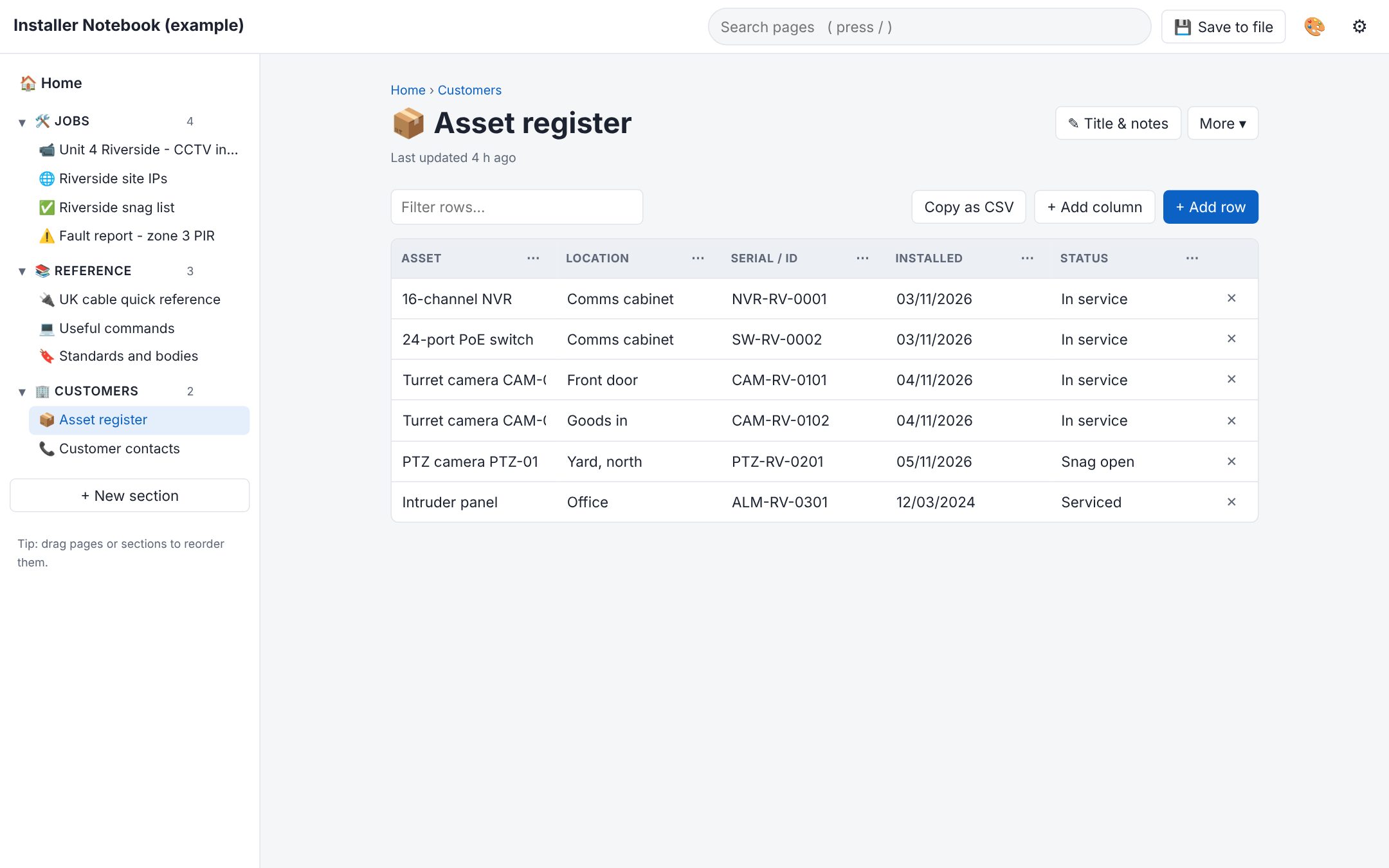
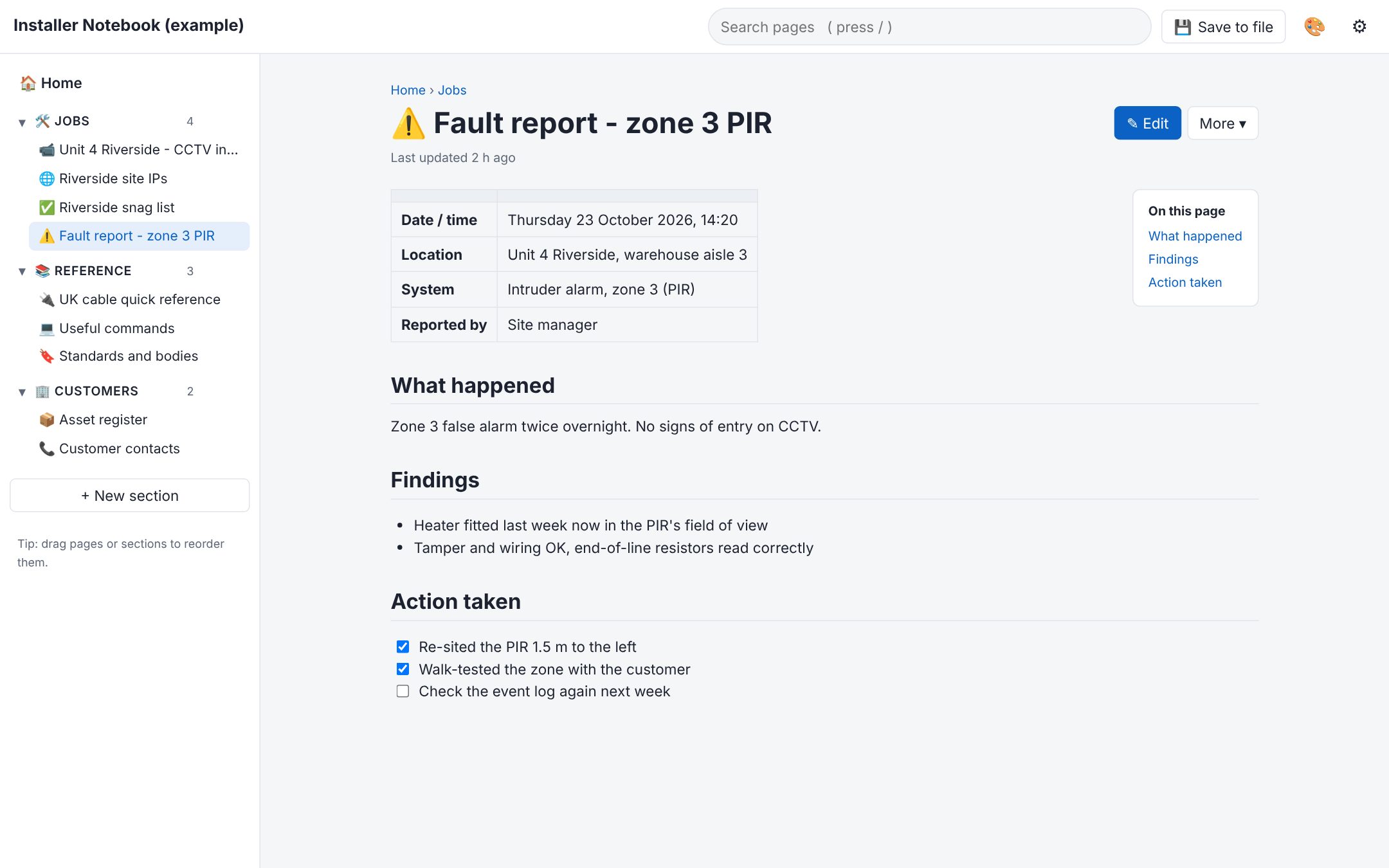
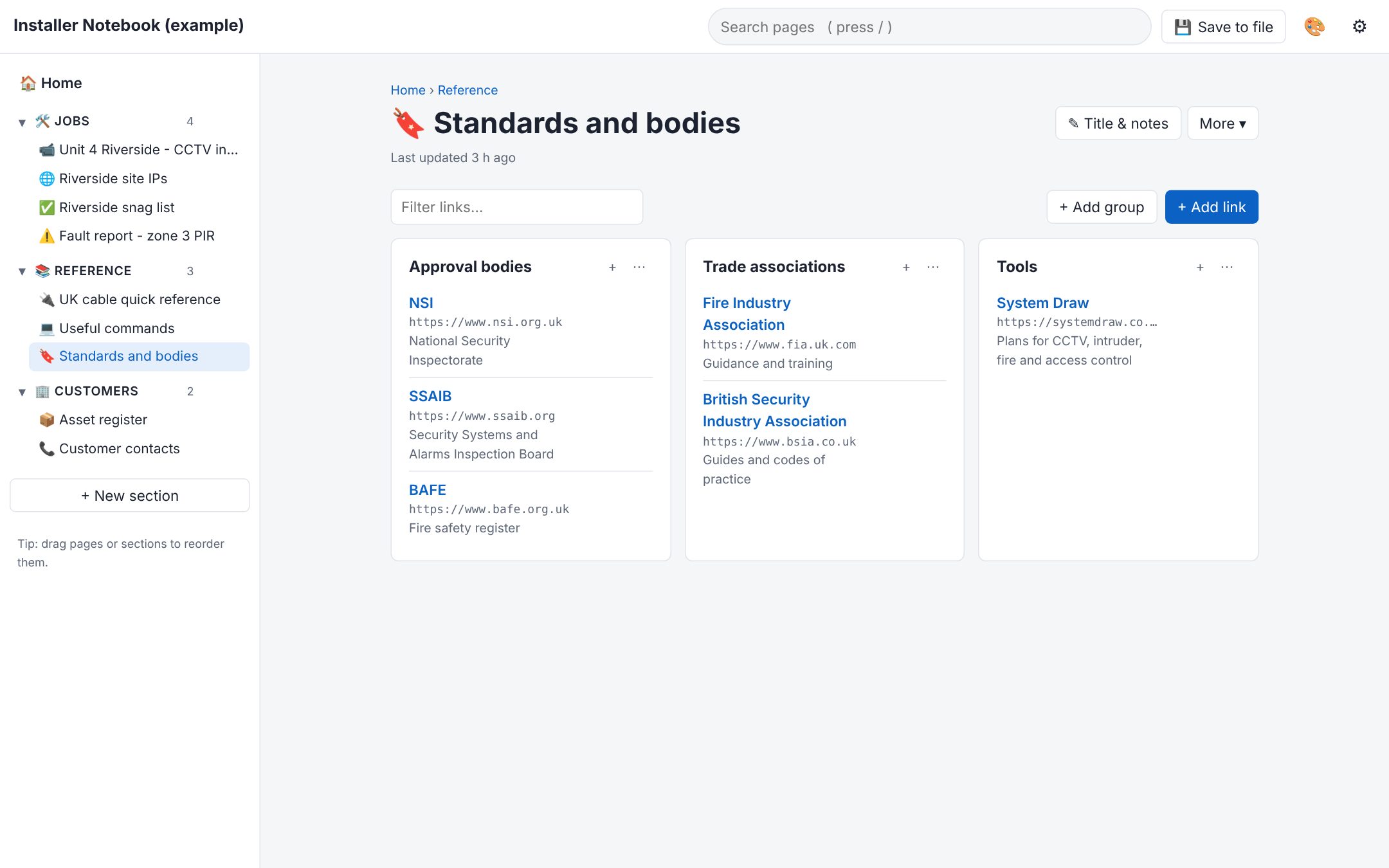
Seven page types
- Notes with headings, lists, tick boxes, tables and code blocks
- IP address lists with hostnames, ports and descriptions
- Bookmarks sorted into groups
- Code snippets with colour highlighting
- Tasks with due dates and priority
- Tables with your own columns
- Credentials with hidden passwords and copy buttons
Start a page from a template: meeting notes, daily log, fault report, project plan, checklist, how-to, to-do list, asset register or contact list. Link pages together with [[Page name]], search every page from the top bar, and pick a theme you like.
Your notes stay in the file
Everything you write is saved in your browser as you go. Click Save to file to write it into the HTML file itself, so it goes wherever the file goes: a USB stick, a laptop or a shared folder. In Chrome and Edge it saves straight back over the file. In other browsers a new copy downloads.
Turn on a password to encrypt the whole notebook (AES-256). Nothing is uploaded anywhere.
Get HTML-Notebook
Download the blank notebook, save it somewhere safe and open it in your web browser. The example notebook is there to try, but your own notes are best kept in your own copy.
Also from System Draw
System Draw is plan software for UK security and fire installers: CCTV, intruder alarm, fire alarm, access control and wireless links, with a 14-day free trial.